OpenOrder Browser Extension — see the real price.
Woolworths, Coles and Aldiprices, side-by-side on the page you’re already shopping — and the whole-basket total at checkout.
Works on the supermarkets you already shop at
 Woolworths
 Coles
Coles Aldi
Aldi IGANSW, VIC, QLD, WA, SA, ACT & NT
 Harris FarmNSW, QLD & ACT
What it does
What the extension adds.
Overlays on the retailer’s own pages — no separate tab, no copy-pasting.
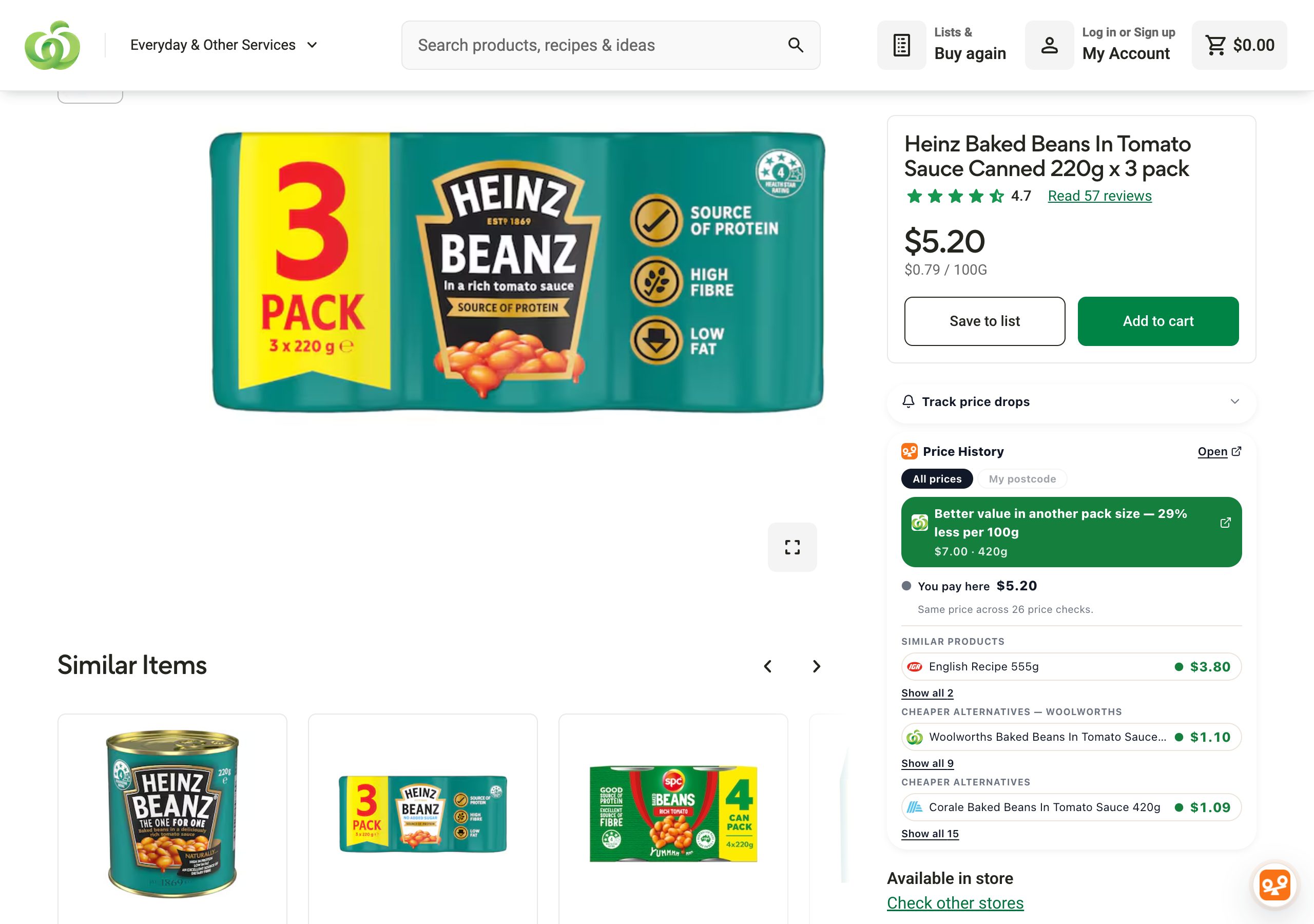
- Cross-retailer price overlay
Each item's all-time lowest and highest price, with the dates each was seen.
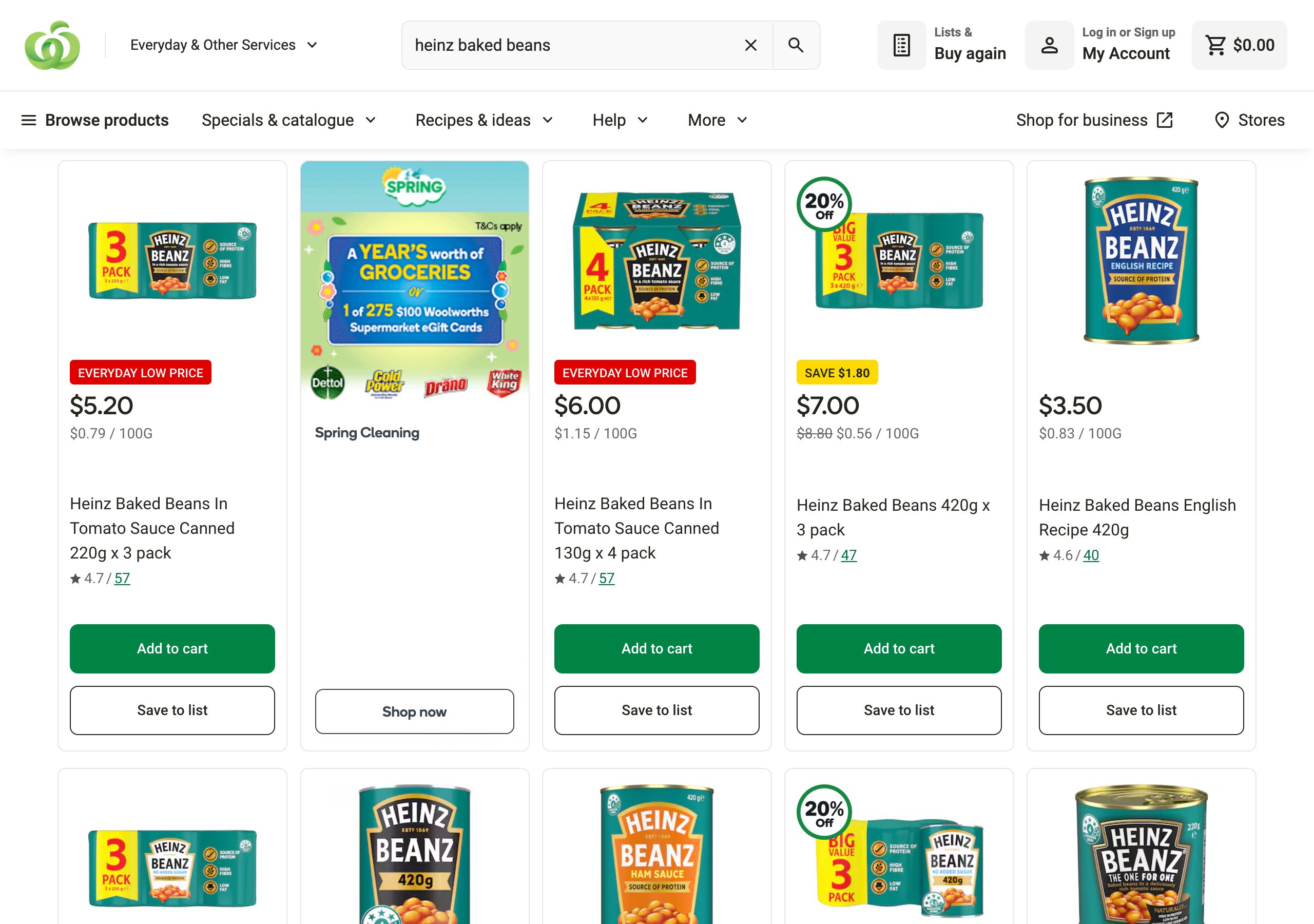
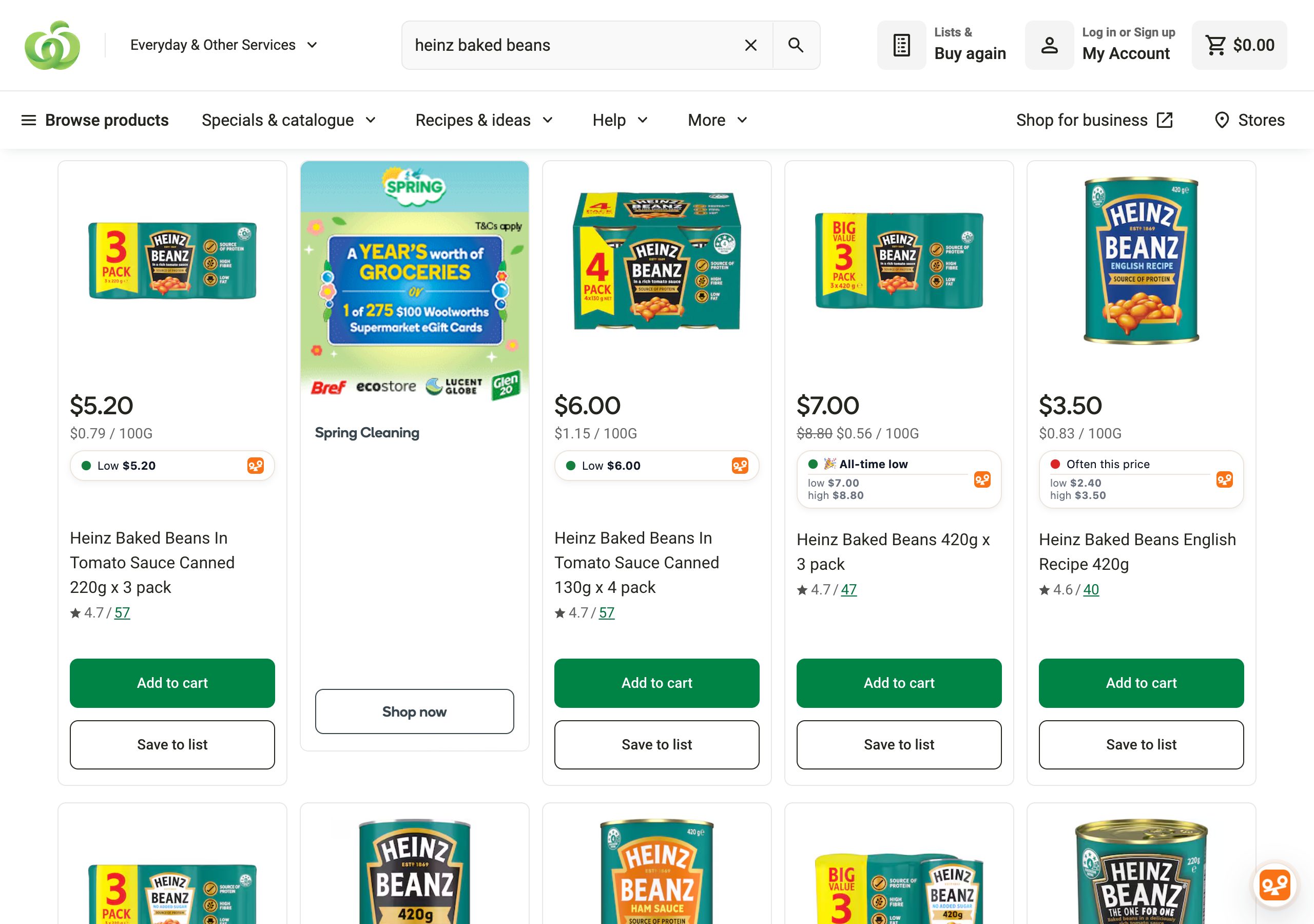
- Annotated search & category pages
Every product tile shows its cheapest equivalent at the other stores.
- Cart-level basket compareBeta
Every cart line matched to its cheapest equivalent, with a running total of the basket's cost elsewhere.
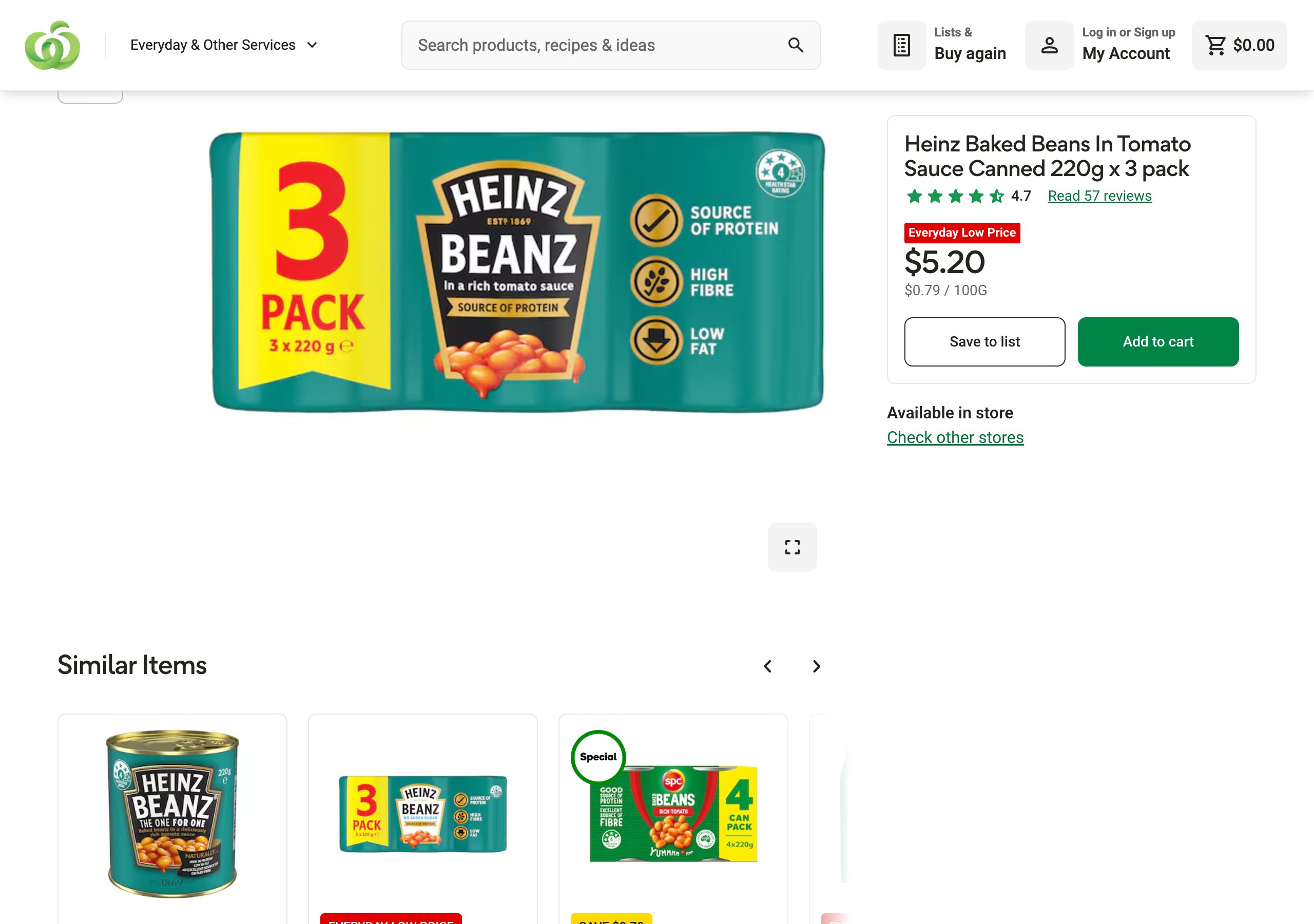
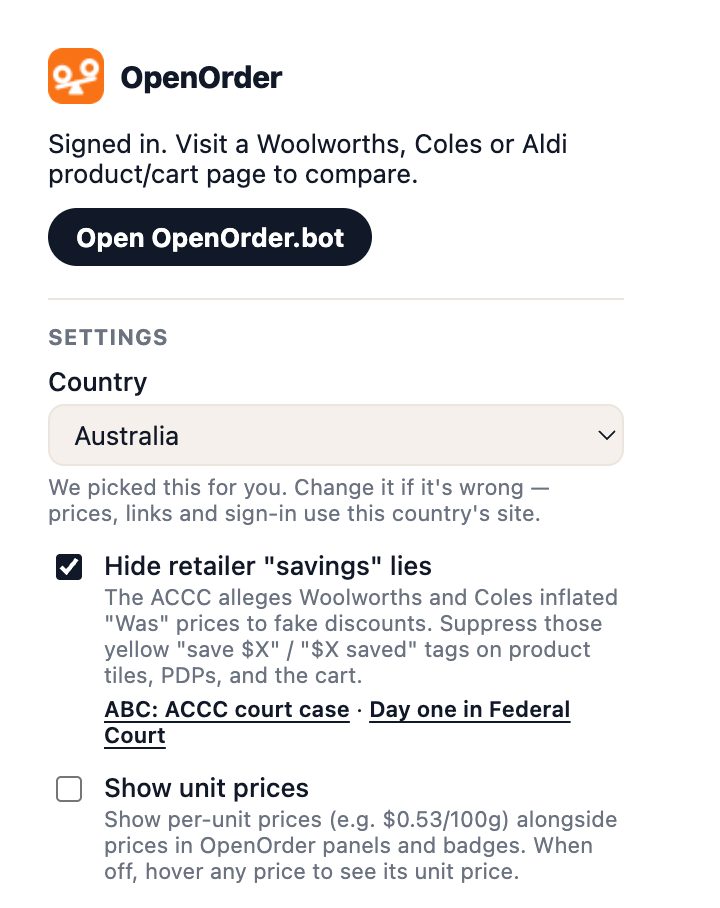
- Hide misleading 'specials'
Hide Save-$X badges that aren't backed by real price drops.
Install
How to install.
One click on Chrome via the Web Store. On Safari, the extension comes with the OpenOrder app for iPhone, iPad and Apple Silicon Macs.
Chrome / Edge / Brave / Arc
Add to ChromeOne click via the Chrome Web Store. Updates push automatically — nothing to do on your end.
Safari on iPhone, iPad and Mac
Get it on the App Store- Install the OpenOrder app from the App Store.
- Turn the extension on: Settings → Apps → Safari → Extensions on iPhone and iPad, or Safari → Settings → Extensions on a Mac.
- Allow it on the supermarket sites you shop, when Safari asks.
Same overlays, same competitor pricing. Updates arrive with the app.
See it
Screenshots.
Captured from extension 1.3.2 on 2026-09-28.
Privacy
The extension reads publicly displayed product, price and pack data from supported retailer pages and sends it to the Order-Bot API to build the cross-retailer price history. We don’t scrape your cart contents or any personal account data from the retailers. Full detail in the privacy policy.